
How to A42BT Print the Printer Self-Test Page?
How to Print the Printer Self-Test Page?
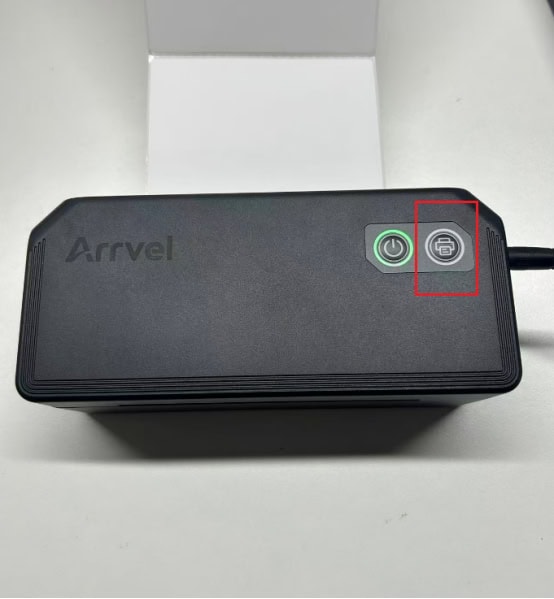
Steps:
1. Ensure the printer is powered on and label paper is loaded (matching the correct paper type).
2. Press and hold the Feeder button for about 5 seconds until you hear two beeps, then release it immediately.
Troubleshooting:
No response/No printing:
1. Check if the printer is out of paper (red light flashing slowly, once per second → reload paper and try again).
2. The button press duration is too short → you must press and hold until you hear two beeps.
Need More Help?
Can't find the answer you're looking for? Contact the Arrvel support team and we'll be happy to help.