Learn essential barcode printer maintenance tips to improve print quality, reduce downtime, and extend device lifespan. Regular maintenance keeps barcode printers running smoothly and prevents unexpected failures.
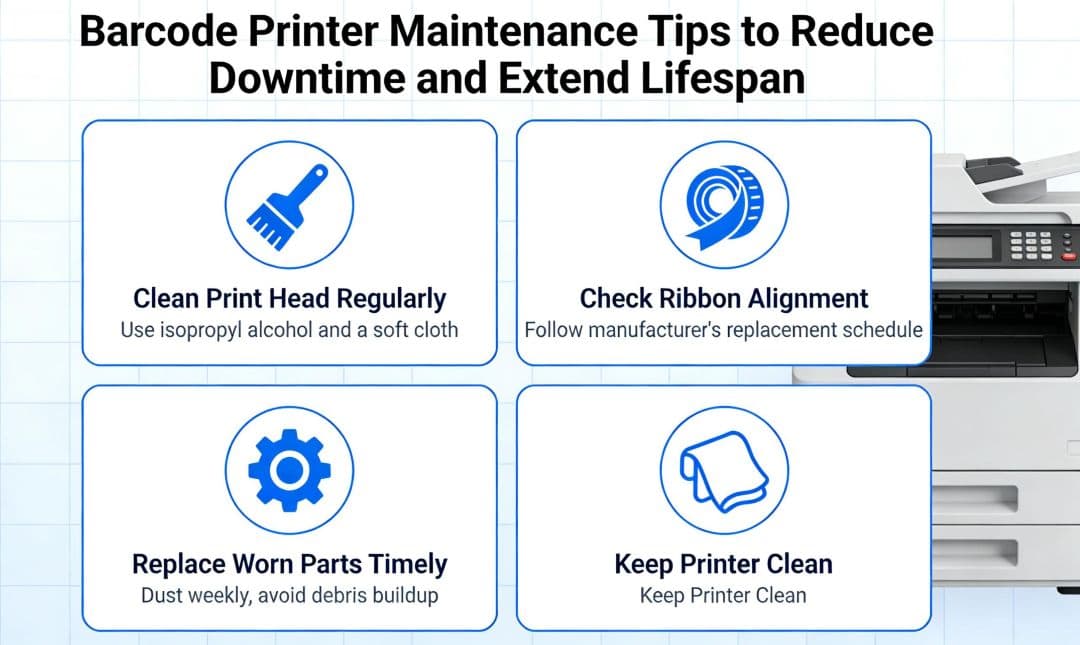
1. Clean the Printhead Regularly
Dust and residue reduce print quality.
① Use approved cleaning tools
② Avoid abrasive materials
Cleaning should be routine.
2. Check Rollers and Sensors
Inspect for:
① Label adhesive buildup
② Sensor obstruction
Clean components ensure accurate feeding.
3. Use Quality Consumables
Low-quality labels and ribbons cause:
① Printhead damage
② Poor barcode readability
Consumables directly affect printer lifespan.
4. Environmental Control
Avoid:
① Excessive heat
② High humidity
Proper storage extends equipment life.
5. Firmware and Settings
Keep firmware updated and verify:
① Print speed
② Print density
Correct settings prevent unnecessary wear.
Preventive maintenance reduces downtime, lowers operating costs, and improves printing reliability.
FAQ
Q:How often should barcode printers be cleaned?
A:Light cleaning weekly, deep cleaning monthly is recommended.