Shipping label printer has become an essential tool for small businesses that ship products every day. Whether you sell on Amazon, eBay, Etsy, Shopify, Walmart, or your own online store, printing clear and accurate shipping labels can directly affect fulfillment speed, delivery accuracy, and customer experience.
Key Features to Look for in a Shipping Label Printer
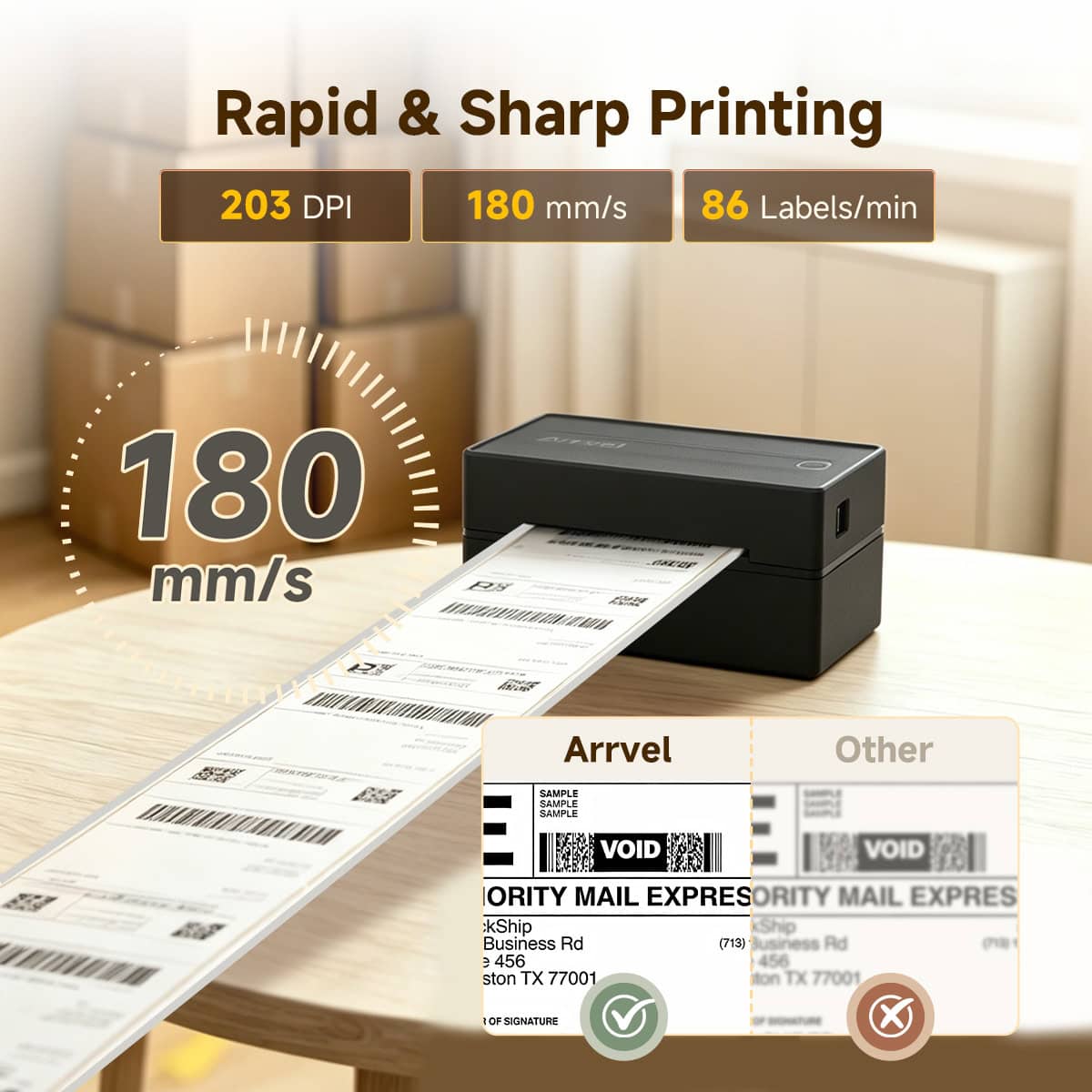
1. 203 DPI vs. 300 DPI: Don’t Let Broken Barcode Lines Damage Your Store Reputation
The most critical element on a shipping label is not the address—it is the barcode that determines whether the package can be successfully delivered.
Shipping Standard: Many low-cost 4×6 label printers develop print-head issues over time due to adhesive residue and print-head wear.
This can create white gaps or missing lines in barcodes, causing scanning failures at fulfillment centers and carriers such as UPS, FedEx, USPS, and major logistics providers.
The result can range from rejected packages to delivery delays and platform penalties.
A reliable barcode label printer should use a durable, high-quality thermal print head to ensure sharp, consistent barcode output.
Every barcode line should remain clean and readable.
2. Smart Multi-Platform Label Scaling: Eliminate Cropping and Alignment Errors
Multi-channel sellers often deal with different shipping label formats across platforms and carriers.
For example:
- USPS labels follow specific layout standards
- UPS labels may use different PDF scaling
- FedEx labels often require different formatting rules
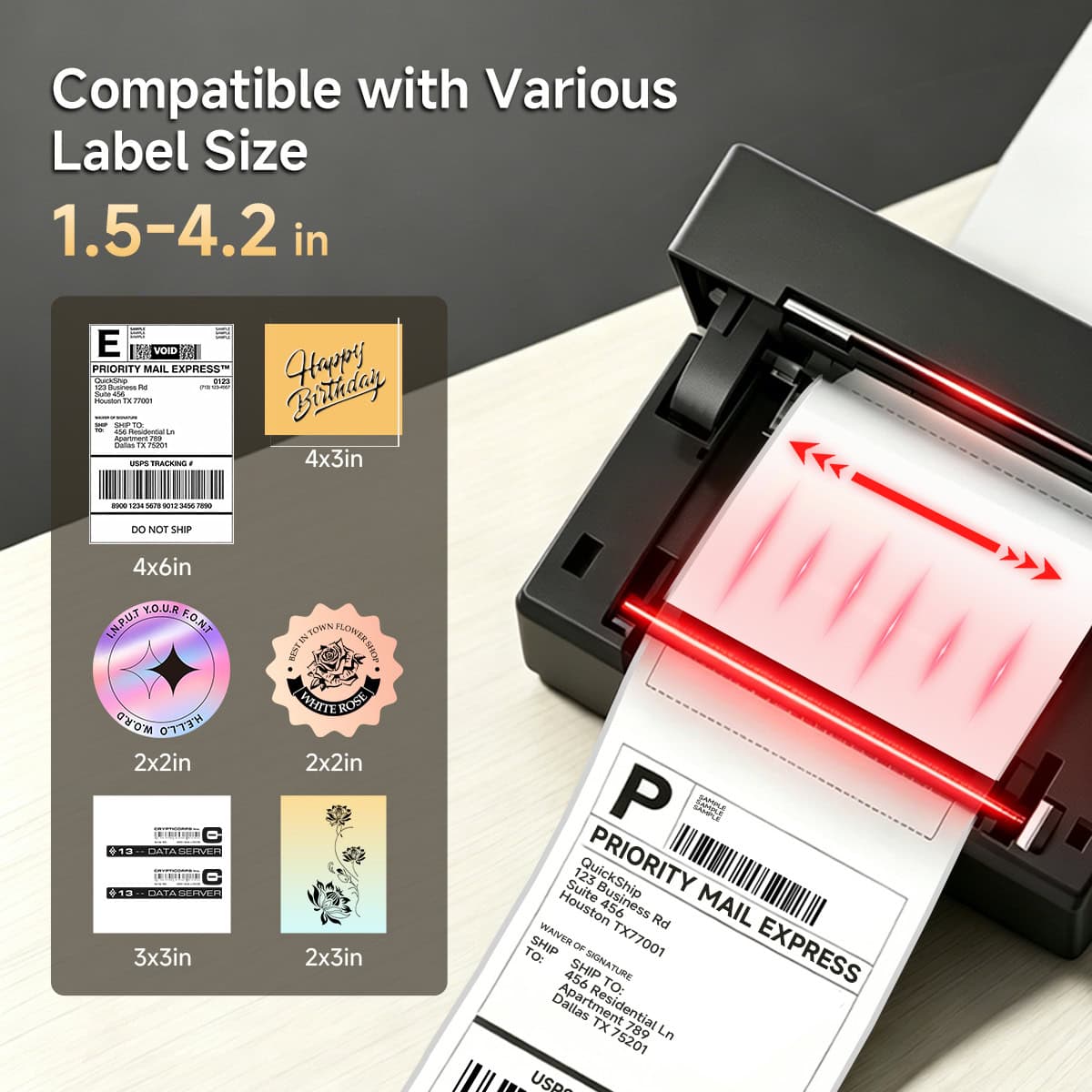
A capable thermal shipping label printer should support automatic scaling and label adaptation at the driver level.
Regardless of PDF resolution or source format, the printer should automatically fit the content onto a 4×6 label without manual adjustment or wasted labels.
3. Continuous Printing Performance: No Overheating During Peak Shipping
During peak sales periods, businesses may need to print hundreds or thousands of labels continuously.
Many consumer-grade printers slow down or pause after extended printing because of heat buildup.
A reliable thermal label printer should include effective cooling and jam-resistant paper handling.
Whether serving as the main shipping label printer for small businesses or supporting warehouse fulfillment operations, it should maintain stable output during long print runs while preserving print quality from the first label to the last.
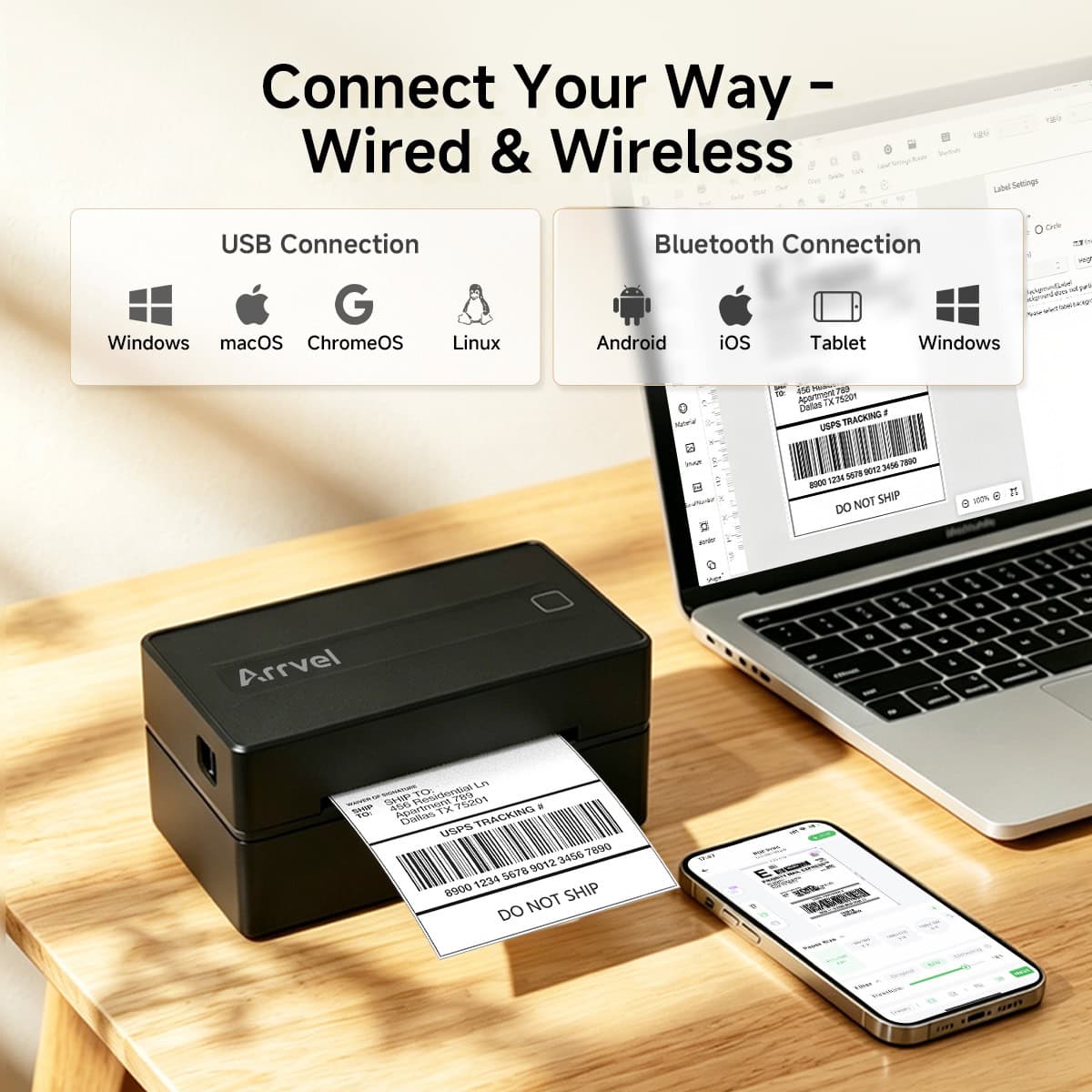
4. Wireless Printing Ecosystem: Stable Bluetooth & Wi-Fi Connectivity
More online sellers and warehouse teams now manage orders directly from smartphones, tablets, and mobile apps.
If wireless printing is required, avoid low-end solutions that constantly disconnect or require repeated pairing.
A quality wireless shipping label printer should support stable multi-device connectivity.
For mobile packing stations, a dependable Bluetooth thermal label printer allows warehouse PCs, tablets, and smartphones to print instantly—eliminating cable clutter and creating a cleaner workflow.
Thermal Label Printer vs Inkjet Printer Comparison Table
| Comparison Category | Thermal Label Printer | Inkjet Printer |
| Printing Technology | Direct thermal printing without ink or toner | Ink-based printing using cartridges |
| Best Use Cases | Shipping labels, barcode labels, warehouse labels, FBA labels, retail tags | Documents, photos, color graphics, general office printing |
| Consumables | Thermal labels only | Ink cartridges + paper |
| Operating Cost | Lower long-term cost | Higher due to ink replacement |
| Printing Speed | High-speed continuous label printing | Slower for bulk label workflows |
| Barcode Quality | Optimized for barcode and shipping labels | Can vary depending on ink quality and print settings |
| Maintenance | Minimal maintenance | Requires nozzle cleaning and ink replacement |
| Continuous Printing | Designed for high-volume label output | Can slow down during large print jobs |
| Waterproof Performance | Thermal labels can support water-resistant materials | Ink may smear when exposed to moisture |
| Label Size Support | Optimized for 4×6 shipping labels and barcode labels | Requires manual paper setup |
| Small Business Shipping | Excellent | Usable but less efficient |
| Warehouse & Logistics | Highly recommended | Not ideal |
| Amazon / Shopify / Etsy Sellers | Widely used | Less common |
| Typical Connectivity | USB / Bluetooth / Wi-Fi | USB / Wi-Fi |
| Workspace Footprint | Compact | Larger desktop footprint |
Quick Recommendation:
- Choose Thermal Label Printers for shipping labels, warehouse operations, barcode printing, e-commerce fulfillment, and high-volume logistics workflows.
- Choose Inkjet Printers for color documents, marketing materials, and photo printing.
Buyer’s Guide: Fanfold Labels vs. Roll Labels — Which One Should You Choose?
When choosing a thermal printer for shipping labels, you also need to decide between two common label formats: fanfold labels and roll labels.
Fanfold Labels
Fanfold labels are stacked behind the printer in an accordion-style arrangement.
Advantages:
- Fast and easy label replacement
- Simply place the stack behind the printer and continue printing
- No label curl, keeping shipping labels flat and clean
- Ideal for high-volume shipping stations and fixed packing desks
Fanfold labels are especially popular in warehouses and e-commerce fulfillment environments with continuous daily shipping.
Roll Labels
Roll labels are wound into a roll and loaded inside the printer or an external holder.
Advantages:
- Smaller overall footprint
- Labels remain protected inside the printer or holder
- Better resistance to dust and accidental moisture exposure
- Cleaner desktop organization
The tradeoff is that printed labels may retain slight natural curvature from the roll.
Roll labels are often preferred for compact workstations and mobile packing environments.
Conclusion
For e-commerce sellers and small businesses, the ideal hardware is not the one with the most extra features.
What truly matters is a printer that does not jam during late-night packing sessions, delivers clear labels without ink, and prints shipping labels from major platforms instantly and accurately.
The best shipping label printers are built around three essentials:
Efficiency. Stability. Simplicity.
Hardware designed with these principles becomes the reliable foundation that supports growth—from shipping a few orders a day to handling large-scale fulfillment operations.