Learn how to choose the right rugged tablet for industrial and outdoor environments. This practical guide covers durability, performance, battery life, and real-world use cases.
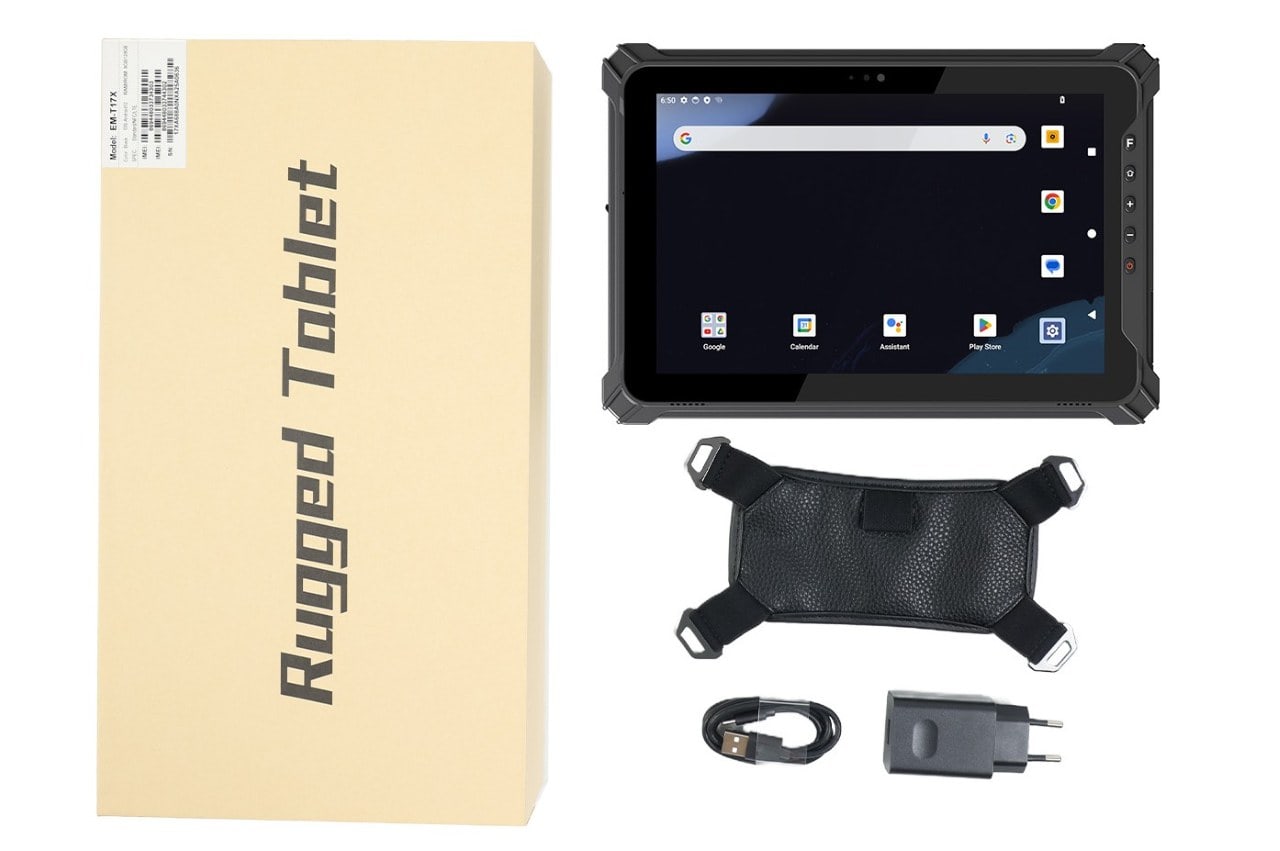
I. How to Choose a Rugged Tablet
Rugged tablets are designed for environments where consumer tablets simply don’t survive—construction sites, warehouses, field service, manufacturing floors, and outdoor operations.
But choosing the right rugged tablet is not just about buying “the toughest device.” A poor choice can lead to wasted budget, low productivity, and unexpected downtime.
This guide explains how to choose a rugged tablet based on real operational needs, not marketing claims.
II. What Is a Rugged Tablet?
A rugged tablet is an industrial-grade mobile computer built to withstand:
① Drops, shocks, and vibration
② Dust, water, and extreme temperatures
③ Prolonged outdoor or industrial use
Unlike consumer tablets, rugged tablets are designed for long-term deployment, stable performance, and lower total cost of ownership (TCO) in harsh environments.
III. Fully Rugged vs Semi-Rugged Tablets
Before selecting a device, it’s important to understand the difference.
1. Fully Rugged Tablets
① Designed for harsh industrial and outdoor use
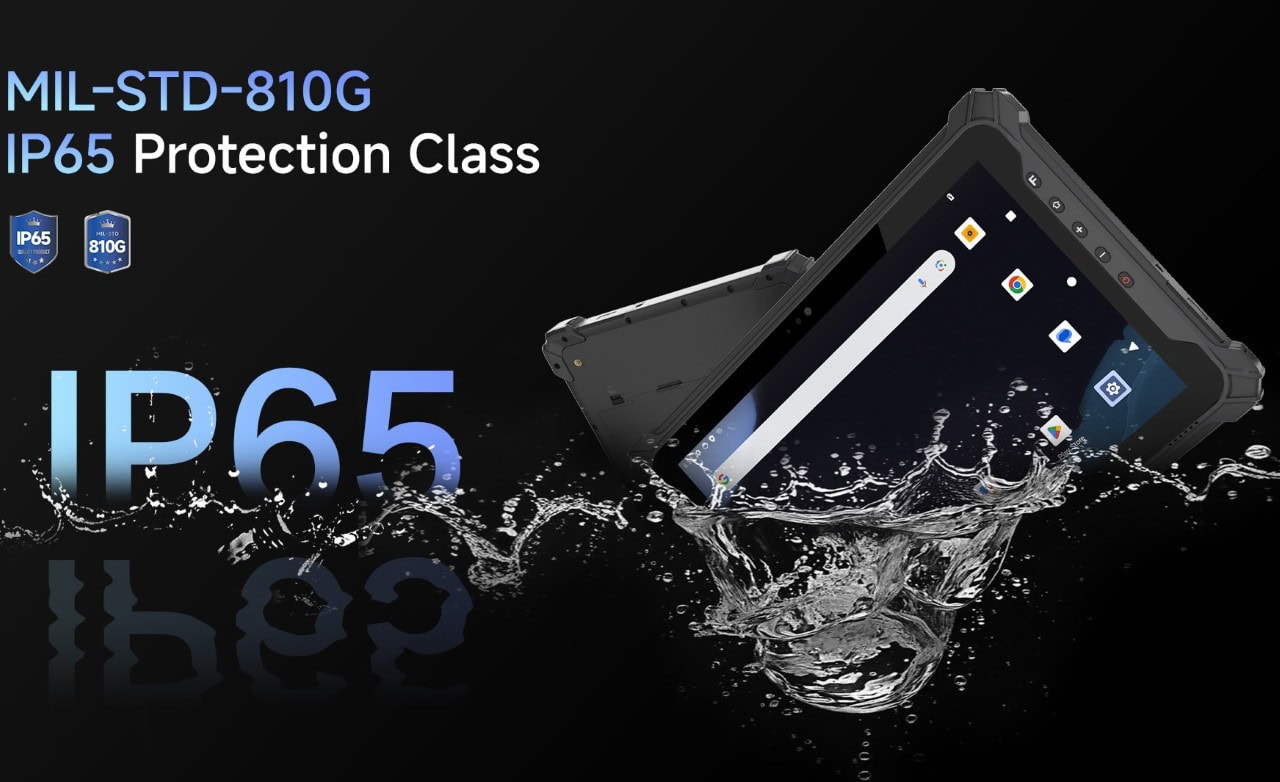
② Higher IP ratings (IP65 / IP67)
③ MIL-STD-810 tested for drops and vibration
④ Suitable for construction, utilities, oil & gas, and logistics
2. Semi-Rugged Tablets
① Moderate protection against drops and spills
② Lower cost
③ Suitable for indoor warehouses or light industrial use
If devices are used outdoors or mounted on vehicles, fully rugged is usually the safer choice.
IV. Key Factors to Consider When Choosing a Rugged Tablet
1. Durability Standards (IP Rating & MIL-STD)
IP Rating:
① IP65: Dust-tight, protected against water jets
② IP67: Can withstand temporary immersion in water
③ MIL-STD-810:Tests resistance to drops, vibration, humidity, and temperature changes.
④ Real-world tip: A high IP rating matters more for outdoor use, while MIL-STD drop resistance is critical for warehouse and field operations.
2. Operating System: Windows vs Android
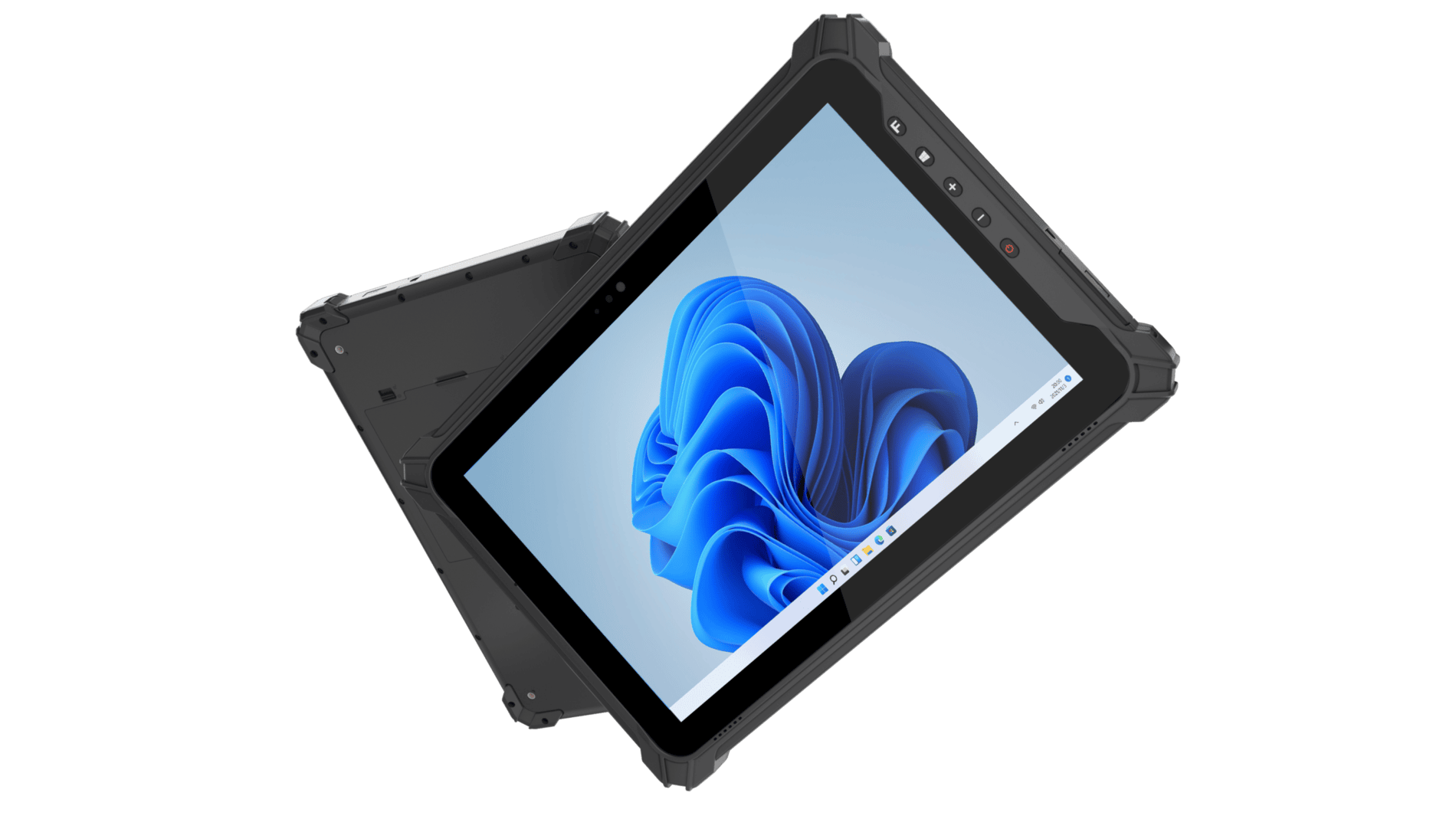
① Rugged Windows Tablets:Compatible with legacy enterprise software,Ideal for manufacturing, engineering, and ERP-based workflows.
② Rugged Android Tablets:Lightweight, fast boot,Strong ecosystem for barcode scanning and mobile apps. Easier to deploy and manage for logistics and field service.
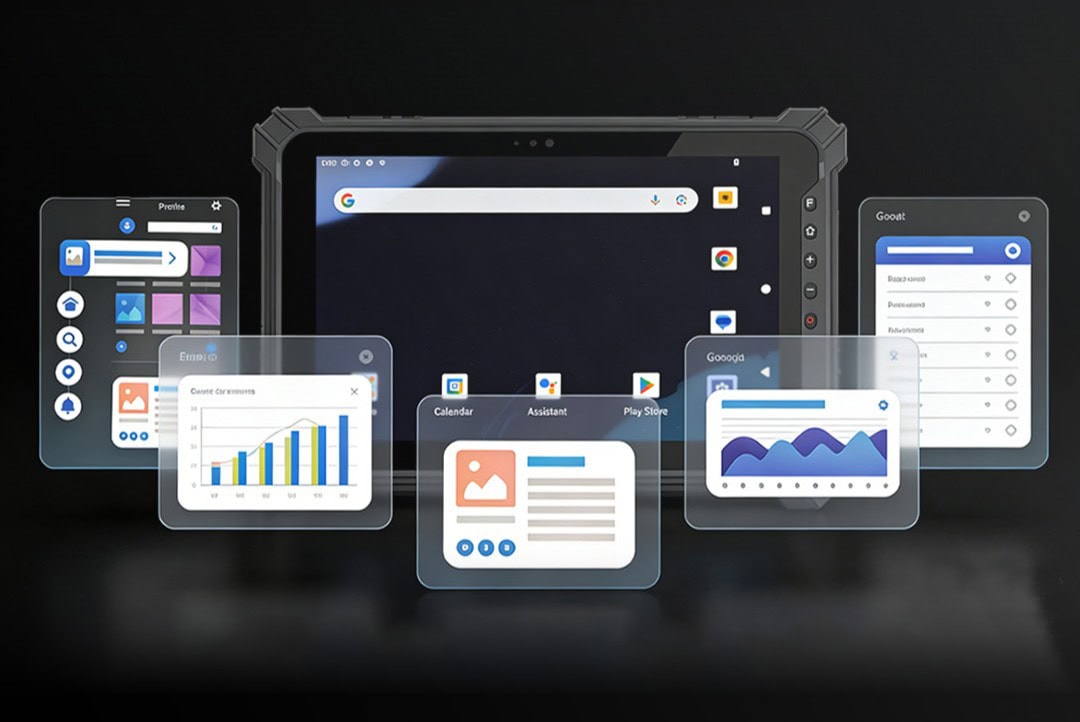
Choose based on existing software systems, not personal preference.
3. Performance & Hardware Configuration
Key specs that actually matter:
① CPU type (industrial-grade vs consumer-grade)
② RAM (8GB minimum recommended for multitasking)
③ Storage (SSD preferred over eMMC for durability)
Over-specifying increases cost without benefit. Under-specifying leads to slow performance after 1–2 years.
4. Battery Life and Power Management
In industrial environments, charging opportunities are limited.
Look for:
① 8–10 hours real working time (not marketing numbers)
② Hot-swappable batteries for 24/7 operations
③ Vehicle docking or charging accessories
Battery performance directly affects productivity more than raw CPU power.
5. Display Readability for Outdoor Use
For outdoor or field work:
① Brightness ≥ 800 nits for sunlight readability
② Anti-glare coating
③ Glove-touch or wet-touch support
A rugged tablet that cannot be read outdoors quickly becomes unusable.
6. Connectivity & Expansion Options
Depending on use case:
① Wi-Fi 6 for warehouses
② 4G / 5G for field service
③ GPS for fleet and asset tracking
④ USB, RS232, or pogo-pin docking for industrial equipment
Choose connectivity based on workflow, not future assumptions.
V. Common Mistakes When Buying a Rugged Tablet
① Choosing based on lowest price only
② Ignoring accessory ecosystem (docks, mounts, chargers)
③ Overlooking software compatibility
④ Underestimating battery and lifecycle costs
These mistakes often result in higher replacement rates and operational disruption.
VI. Which Industries Benefit Most from Rugged Tablets?
Rugged tablets are widely used in:
① Construction and site inspection
② Warehousing and logistics
③ Manufacturing and production monitoring
④ Utilities and field maintenance
⑤ Emergency and public safety services
Each industry has different priorities, which is why one model does not fit all.
VII. Final Thoughts
Choosing a rugged tablet is about matching real working conditions with reliable hardware, not chasing specifications.
A properly selected rugged tablet improves uptime, reduces device replacement, and supports long-term digital transformation in industrial operations.
FAQ:
Q: Are rugged tablets worth the cost?
A: In harsh environments, rugged tablets usually offer lower total cost of ownership due to reduced downtime and replacement.
Q: Can rugged tablets run standard business software?
A: Yes. Windows rugged tablets run standard enterprise software, while Android models support most mobile business application