Warehouse labeling requires consistent, clear, and durable barcode printing. Incorrect printer selection can result in scanning errors and relabeling costs. Below, we’ll guide you through choosing the right warehouse label barcode printer, considering factors such as durability, printing speed, and media compatibility.
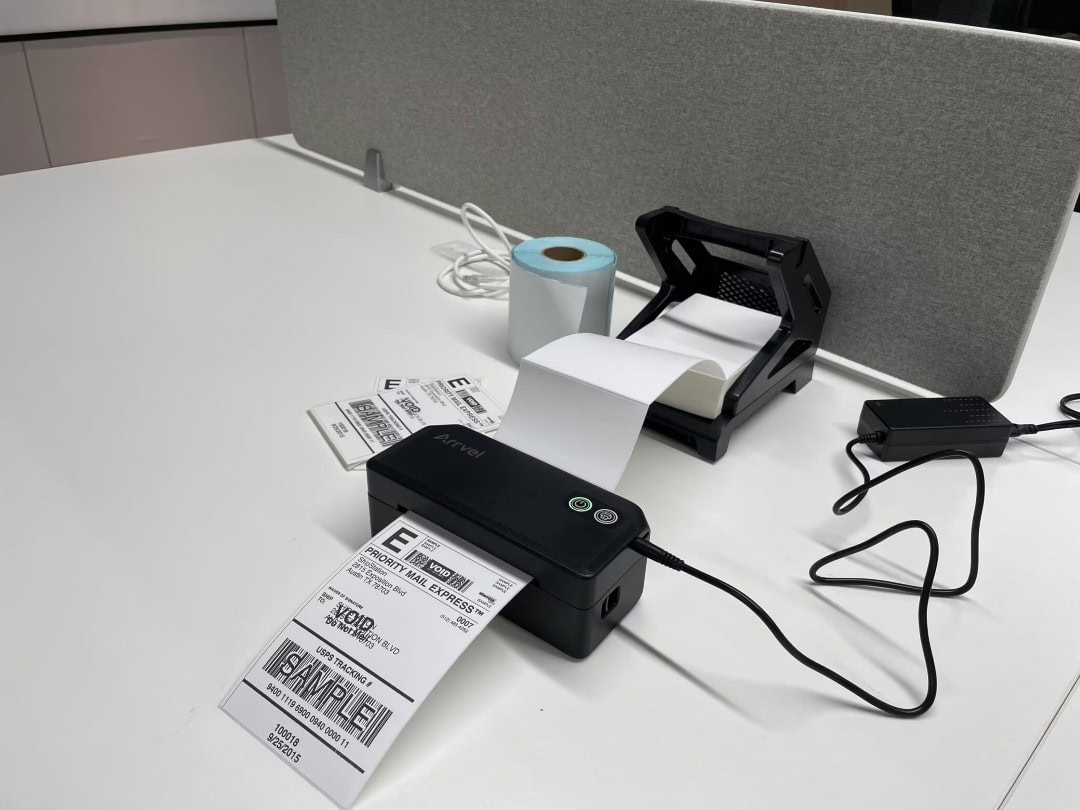
1. Volume and Duty Cycle
Warehouse operations often involve:
① High daily print volume
② Continuous shifts
Industrial-grade printers are typically better suited for heavy workloads.
2. Label Durability
Warehouse labels must withstand:
① Friction from handling
② Environmental exposure
③ Storage over time
Thermal transfer printing is commonly preferred.
3. Print Speed and Resolution
Fast print speeds reduce bottlenecks during peak hours, higher resolution improves barcode readability.
4. Connectivity Requirements
Modern warehouses require:
① Network connectivity
② Integration with WMS systems
③ Centralized label management
Reliable connectivity prevents workflow delays.
Selecting the right barcode printer for warehouse labeling improves operational efficiency and reduces rework.
FAQ
Q: Is a desktop printer enough for warehouse use?
A: For low volume, possibly—but industrial printers perform better in demanding environments.