1. Open Stamps (https://www.stamps.com) and log in to your Stamps account.
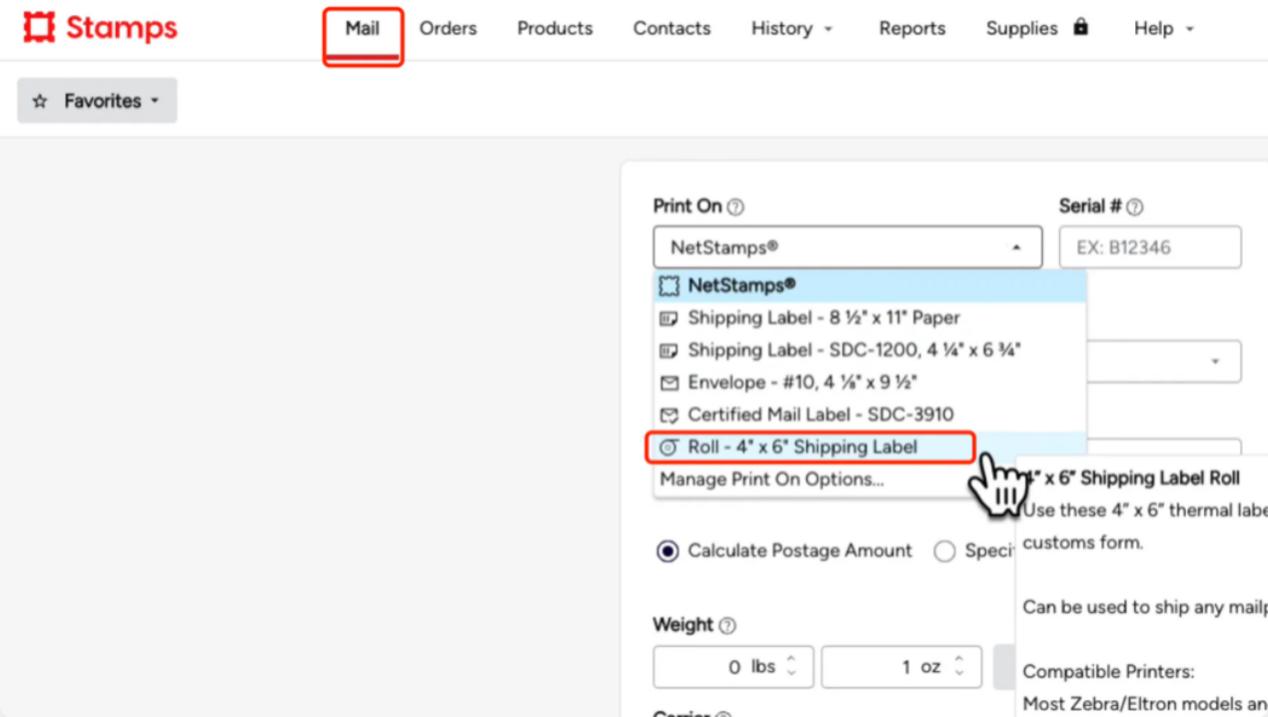
2. Once you are on the “stamps.com” website, select the “Mail” tab. On this page, open the label size drop-down menu and select “4”x 6” Shipping Label”.
3. Print your labels
For mobile devices:
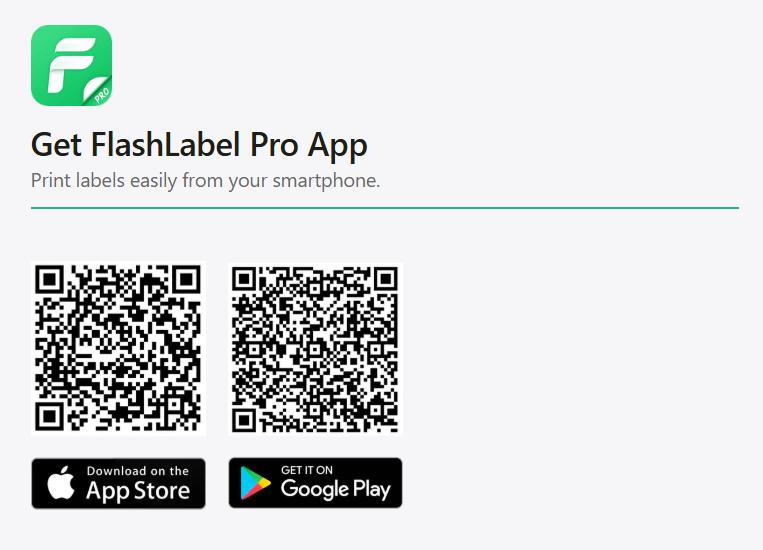
Print labels on your phone using the “Flashlabel Pro” app. Search for “Flashlabel Pro” on the App Store or Google Play to download the app.
Alternatively, you can scan the provided QR code to download the app.
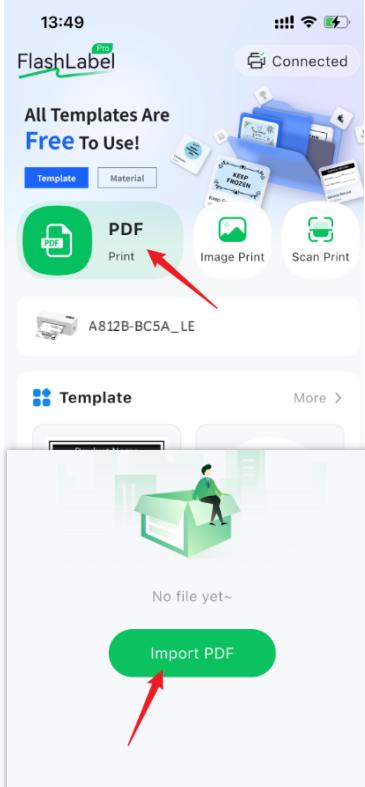
Import your PDF into the application and then print it.
Tips:
If you’re using an iPhone, tap “Save Label” and scroll down—you’ll see the “Print with FlashLabel Pro” option (see screenshot). You can print directly from here without saving the PDF or image first.
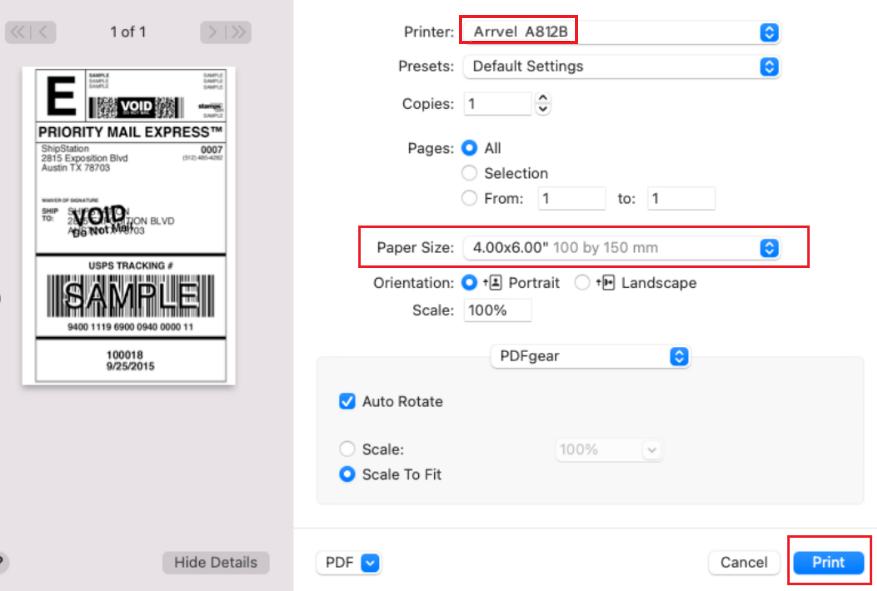
For Mac:
- In the print preview interface, select the Arrvel A812Bprinter.
- Select paper size: 4 x 6 inches
- Click Print
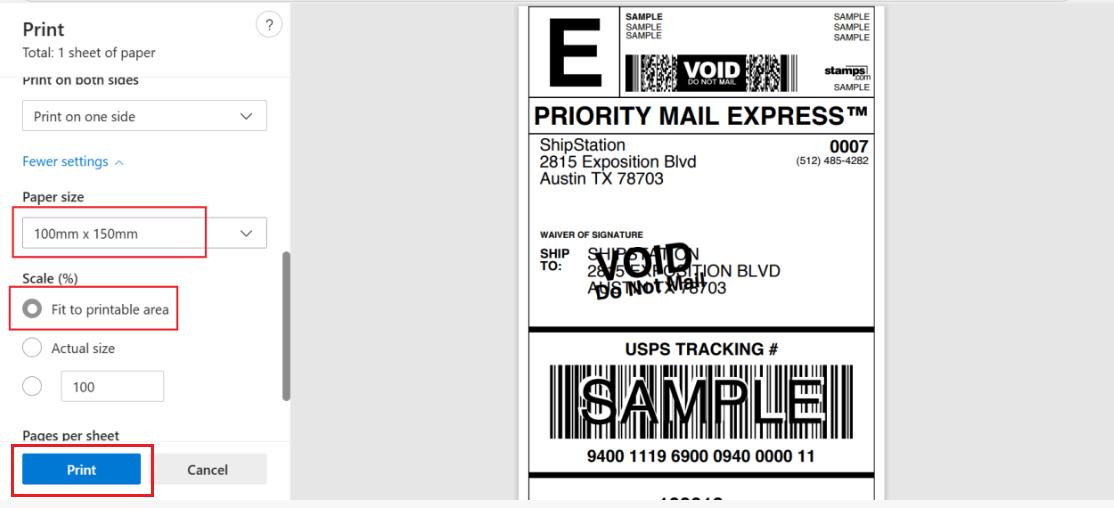
For Windows:
1.In the print preview interface, select the Arrvel A812Bprinter.
2.Select paper size: 100×150mm
3.Click Print.