Steps:
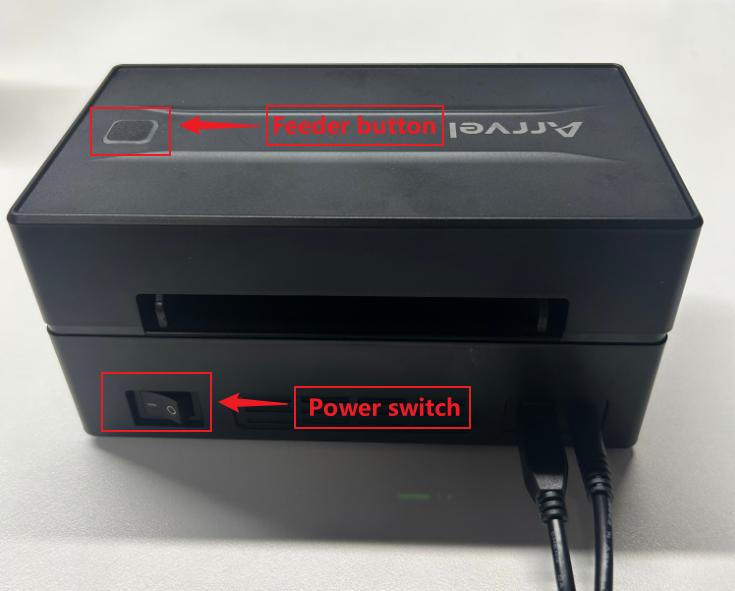
- Ensure the printer is powered on and label paper is loaded (matching the correct paper type).
- Press and hold the Feeder button for about 5 seconds until you hear two beeps, then release it immediately.
Troubleshooting:
No response/No printing:
- Check if the printer is out of paper (red light flashing slowly, once per second → reload paper and try again).
- The button press duration is too short → you must press and hold until you hear two beeps.