Supported model: A42BT
Welcome to Arrvel Print!
It takes a few minutes to show how do I connect the A42BT printer to the ‘Flashlabel Pro’ App:Video
How to Use the Printer on the Phone?
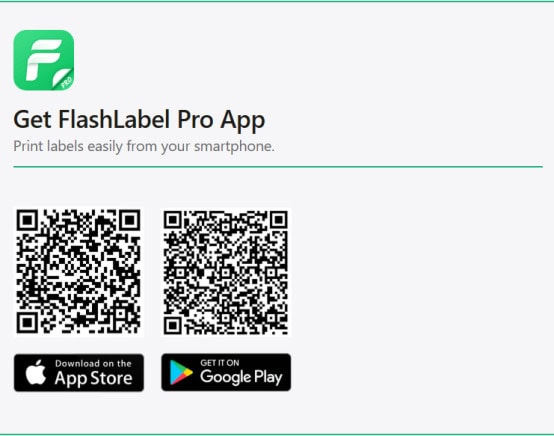
Print labels on your phone using the “FlashLabel Pro” app. Search for “FlashLabel Pro” on the App Store or Google Play to download the app.
Alternatively, you can scan the provided QR code to download the app.
Print PDF labels using the FlashLabel Pro app:
1. Connect the power cord to the adapter, connect it to the printer, and then plug it into a power outlet.
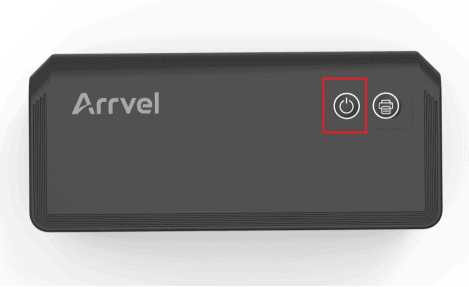
2. Press and hold the power button for 3 seconds to turn on the printer.
3. Turn on your phone’s Bluetooth.
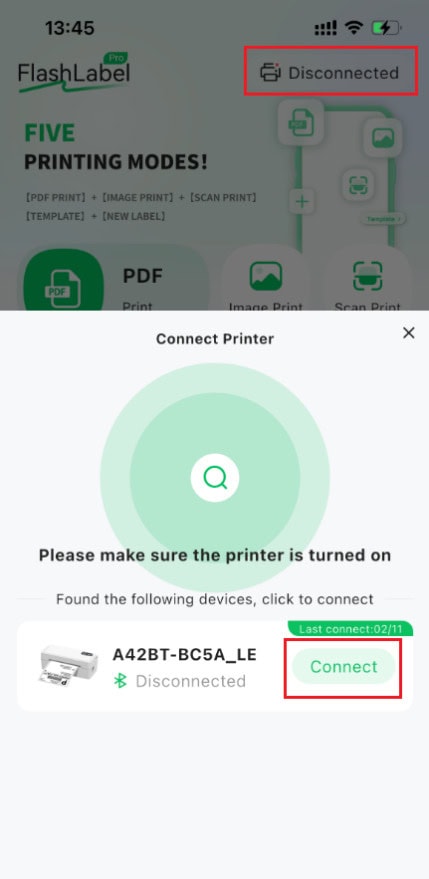
4. Open the FlashLabel Pro application and connect the A42BT printer.
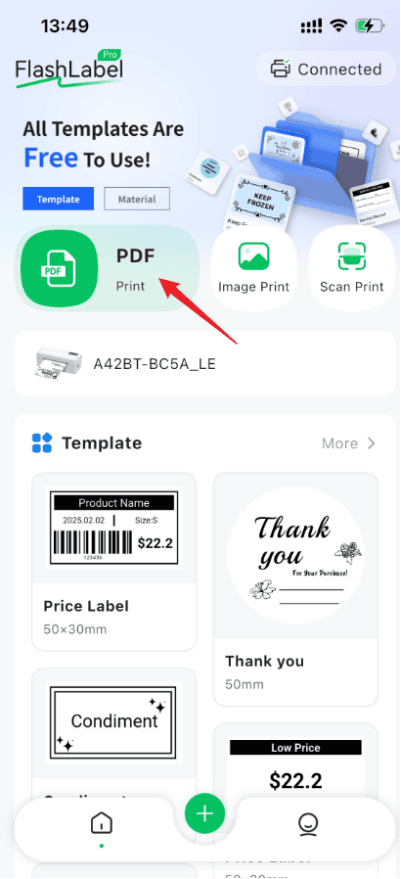
5. Select PDF printing and click the PDF print button on the main interface.
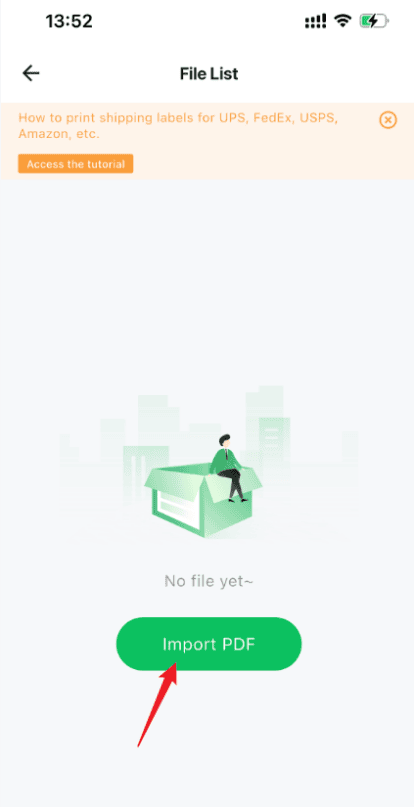
6. Click “Import PDF“. You can import the PDF file you need to print from your local storage or other applications such as WeChat.
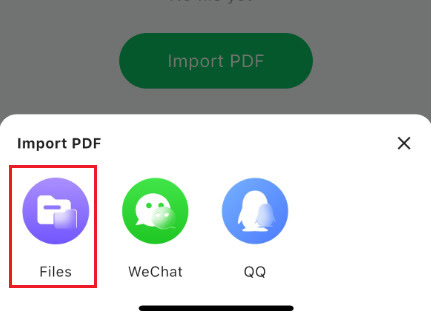
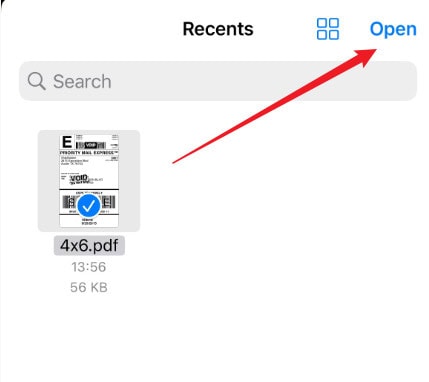
7. Select the file you want to print and click “Open” to load it into the FlashLabel Pro application.
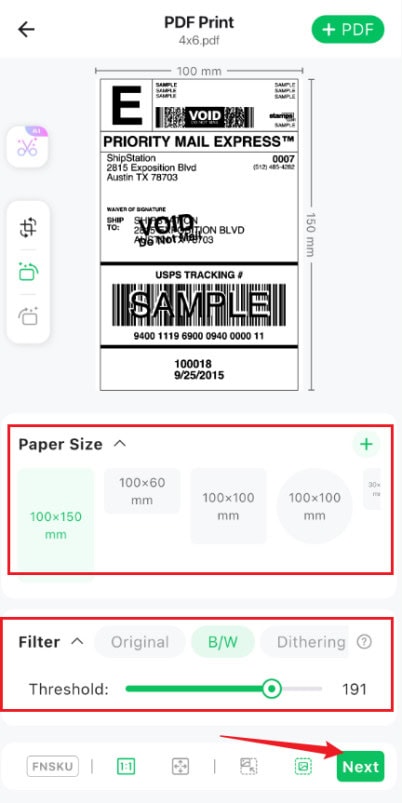
8. In the PDF print preview interface, configure the print settings:
Choose the appropriate paper size.
Adjust the mode (original, black and white, dithering) and threshold as needed to achieve the best printing results.
Click “Next” after making the adjustments.
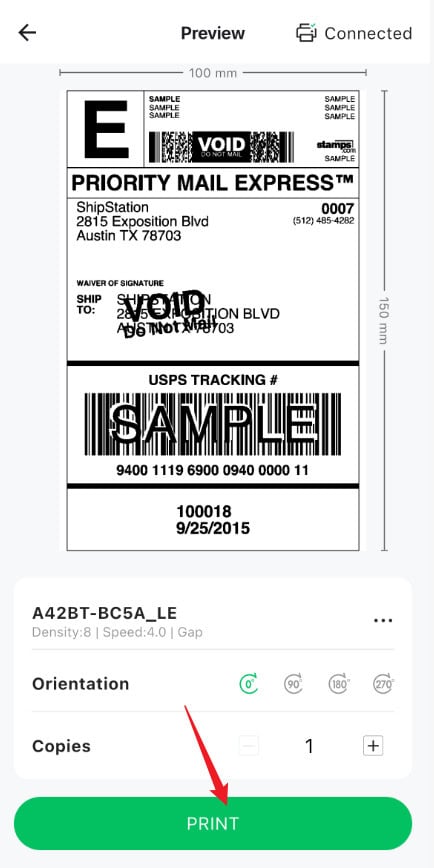
9. On the final print preview page, confirm the printer, print orientation, and number of pages. Click Print.
Note: The FlashLabel Pro application requires local file access and Bluetooth functionality to function properly.