With the widespread adoption of mobile internet and smart devices, tablet PCs have become an important smart terminal after smartphones and laptops. So, what is a tablet PC? What are its uses? Who is it suitable for? This article will provide a comprehensive analysis of tablet PCs from the aspects of definition, functions, uses, and application scenarios.
I. What is a tablet computer?
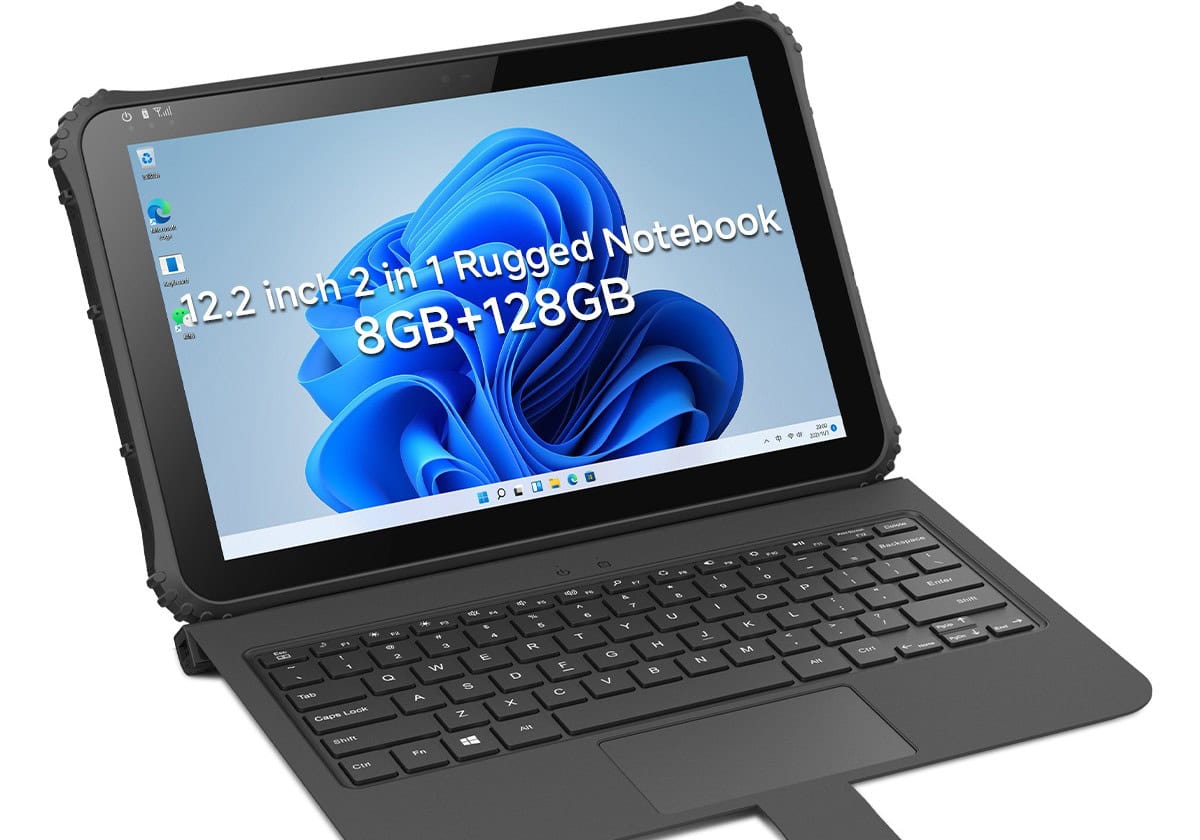
A tablet computer is a mobile computing device that falls between a smartphone and a laptop. It typically features a touchscreen, a keyboardless design or an external keyboard option, and supports finger or stylus operation.
Common tablet PC operating systems include: iPadOS (Apple), Android, and Windows (Microsoft).
Compared to traditional computers, tablet PCs are lightweight, portable, intuitive, and have long battery life, making them ideal for mobile work and entertainment.
II. Main Functions of a tablet computer
The functions of tablet PCs are very mature, covering almost all daily learning, work, and entertainment needs.
1. Audio-visual entertainment functions, such as: watching videos online; listening to music and podcasts; playing games (casual games and some large mobile games); reading e-books and comics.
1. Large Screen and High-Resolution Display: Tablets offer a significantly superior entertainment experience compared to smartphones.
2. Learning and Educational Uses: Tablets are widely used in education, including online classes, video lessons, e-textbook reading, note-taking and annotation, and drawing and handwriting practice (with a stylus).
Especially in student and children’s education, tablets have become an important learning tool.
3. Office and Productivity Applications: With external keyboards, mice, and styluses, tablets can handle light to moderate office tasks, such as document editing (Word, Excel, PowerPoint), email processing, video conferencing, project management, and collaboration tools.
For frequent travelers or those working remotely, tablets are an efficient and portable option.
4. Art and Design Creation: Many creators choose tablets for creative work, such as illustration, graphic design, UI design, and lightweight video editing.
For example, an iPad with Apple Pencil is very popular among designers and illustrators.
5. Commercial and Industry Applications
Tablets also play an important role in commercial and industry scenarios, such as: in-store ordering and POS systems; warehouse management and data collection; medical rounds and electronic medical records; and industrial equipment control and inspection.
III. Who are tablet computer Suitable For?
Different groups use tablets for different purposes:
① Students: Studying, online classes, note-taking
② Office workers: Mobile work, meetings, email
③ Designers/Creators: Drawing, design, editing
④ Children: Educational applications, early learning
⑤ Seniors: Watching videos, browsing news, video calls
In short, tablets have a very wide range of suitable users.
IV. Differences Between Tablets and Laptops
Tablets and laptops differ significantly in their positioning and user experience. Tablets primarily use touchscreens, offering greater portability and moderate performance, making them suitable for entertainment, learning, and light office work. Their price range is also relatively flexible. Laptops, on the other hand, rely mainly on keyboards and mice, offering higher overall performance and better suited for professional office work and high-intensity tasks, but they are slightly less portable and cheaper. Overall, if portability and entertainment are your priorities, a tablet is a good choice; if you need stronger performance for office or professional tasks, a laptop is more suitable.
V. What to Consider When Buying a tablet computer?
When buying a tablet, pay attention to the following:
① Screen size and resolution
② System ecosystem (iOS / Android / Windows)
③ Performance configuration (processor, memory)
④ Support for stylus and keyboard
⑤ Battery life
⑥ Usage scenario requirements
Choosing based on your actual intended use will ensure the best experience.
So, is a tablet worth buying? A tablet is a smart device that balances portability, entertainment, and productivity. Whether for studying, working, or everyday entertainment, tablets offer a great user experience. If you need a lightweight, multifunctional, and easy-to-use smart device, a tablet is undoubtedly a worthwhile option to consider.